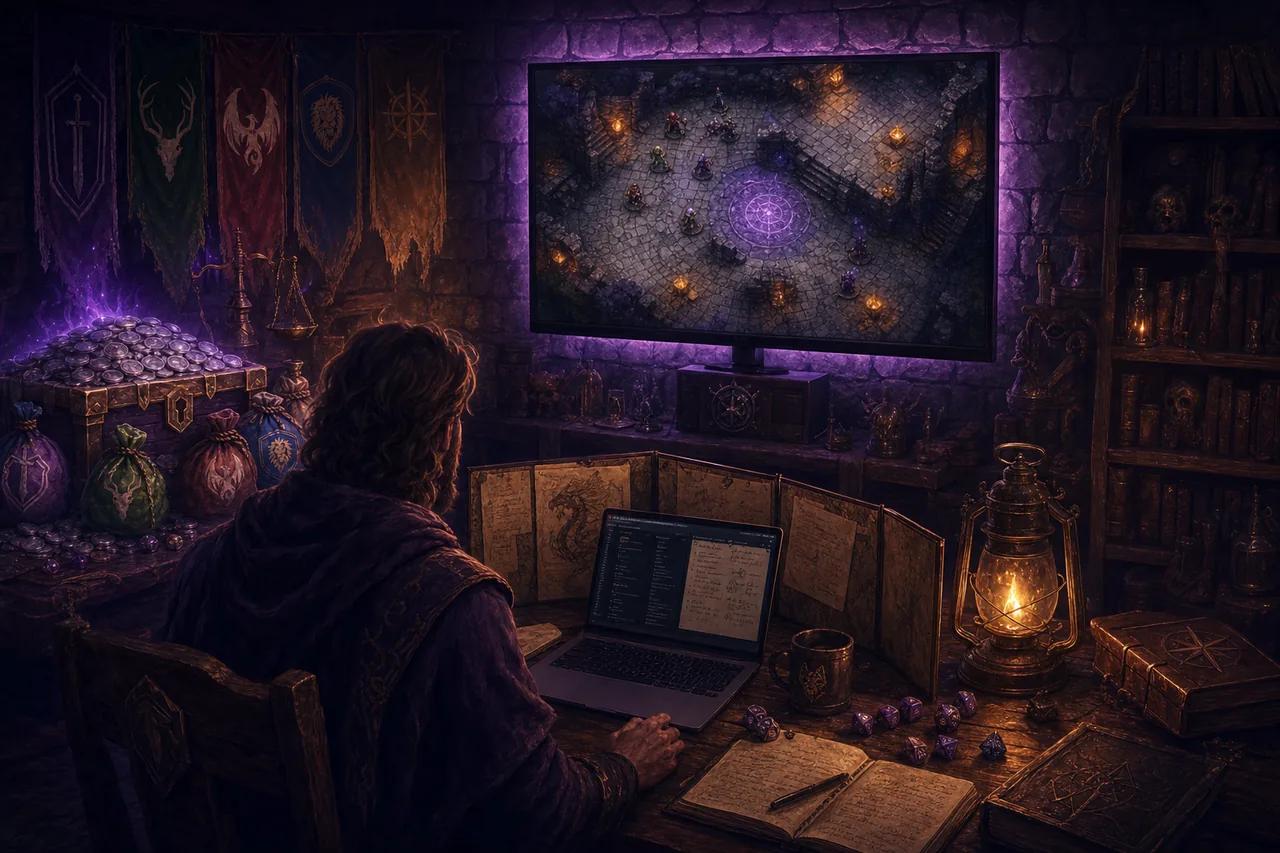

How do I run the map on a TV with an HDMI cable?
What you need
A TV or monitor with HDMI, your laptop, and an HDMI cable (plus a USB-C-to-HDMI adapter if your laptop has no HDMI port).
Steps
- Plug the TV into the laptop.
- Set the TV to extend your desktop, not mirror it. Windows: press Win+P and choose Extend. macOS: System Settings → Displays → Use as Extended Display.
- In your DM tabletop, click Display. Drag the new tab’s window onto the TV and fullscreen it (F11, or the fullscreen button in the display tab’s top bar).
- If the edges of the map are cut off, switch the TV’s picture mode to “Just Scan”, “Fit”, or “Full pixel” in the TV’s own settings.
Pros
- Zero added delay
- Nothing depends on Wi-Fi
- Works in any modern browser
- The most reliable option on this page
Cons
- A cable crosses the room
- Your laptop has to stay within cable reach
- You are now the person who owns an HDMI cable