

Immersive Session Effects
Let the Room React to the Story
Turn table moments into lighting, sound, and automations. Flash the lights on a natural 20, land a sound cue with the killing blow, or send a finished recap to the group. Tavern Scribe routes only the events you choose: signed webhooks for durable workflows, and scoped device keys for a receive-only live socket. Name a moment, attach it to a VTT zone, and test the rig before game night.
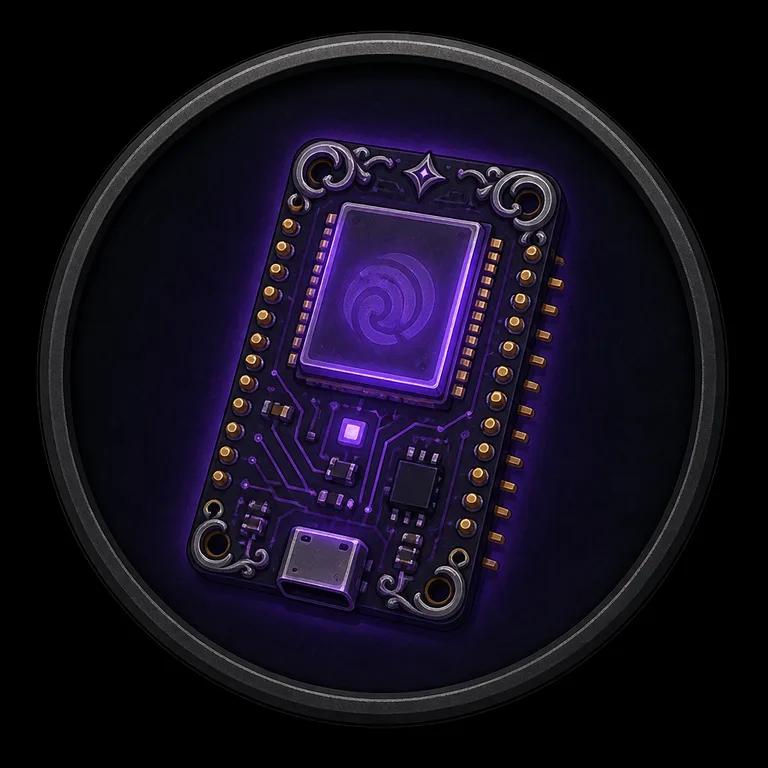
Named campaign events can leave through signed webhooks or the receive-only live device socket. Your rig decides what each moment should sound or look like.
How it works
From table moment to real-world effect.
No custom code required for hosted automation tools — any public HTTPS receiver can react to your session.
Play the way your table already plays
Run the session on the free virtual tabletop, let the Discord bot record voice, or upload any recording afterward. Either way, the session becomes structured campaign memory.
Use a built-in moment or name your own
Natural 20s, kills, loot claims, level-ups, and finished recaps are captured as receipts. DMs can also define a stable named event and fire it manually or from a VTT zone.
Send those moments into your rig
Signed webhooks push selected moments to n8n, Make, a public Home Assistant relay, or your own API. Named events can also reach scoped embedded devices through the low-latency, receive-only socket.
Want to build closer to the table?
The live ESP32 starter is public.
Create a named moment, attach it to a VTT zone, and route it to signed webhooks, a low-latency device socket, or both. Our open-source PlatformIO project connects an ESP32 with a scoped, receive-only device key and turns selected events into relay outputs. It includes Wi-Fi setup, reconnect handling, and the complete starter implementation.
Choose by job
- Webhooks
- Broad event catalog, signed delivery, retries, history, and replay.
- Live starter
- Low-latency shared dice messages for developers building an on-table device.
Session effect ideas
Four rigs, one event stream.
The same session moments feed a living-room lamp or a full actual-play production — your rig decides what a natural 20 looks like.
Lighting that plays along
Flash Philips Hue, LIFX, or Home Assistant bulbs gold when a natural 20 lands, drop to blood-red on a natural 1, or dim the room when a boss fight starts.
Sound & physical effects
Trigger a soundboard sting on the killing blow, switch a fog machine when the party enters the crypt, or ring a bell when the party levels up.
Stream & video overlays
For actual-play creators: show an OBS overlay for crits, post a kill feed, or stamp chapter markers when scenes complete.
The story travels by itself
When a recap or campaign newspaper finishes, send it to a group chat, Notion, a Telegram channel, or the party calendar.
For creators
Creators to the nth degree.
There are creators out there producing astonishing sessions in completely different ways — custom lighting rigs, live soundscapes, streamed tables, rooms full of props. We are not going to guess what your rig needs, so we built a clean, signed, documented event stream that fits those setups: sample payloads for every event type, a test button for your endpoint, and a delivery log with replay when your rig was offline. Tell us what your setup needs on Discord — and the recaps, campaign newspapers, and Discord session notifications feeding it are live at every table.
Set the scene
Your table's moments deserve a bigger stage.
Start free today — the recaps, newspapers, and dice history are live, and webhooks are ready to feed your effects rig the moment you plug in a URL.
Keep exploring: the free virtual tabletop where rolls happen, the campaign newspaper your party will fight over, and the partner program if you create for the community.
