

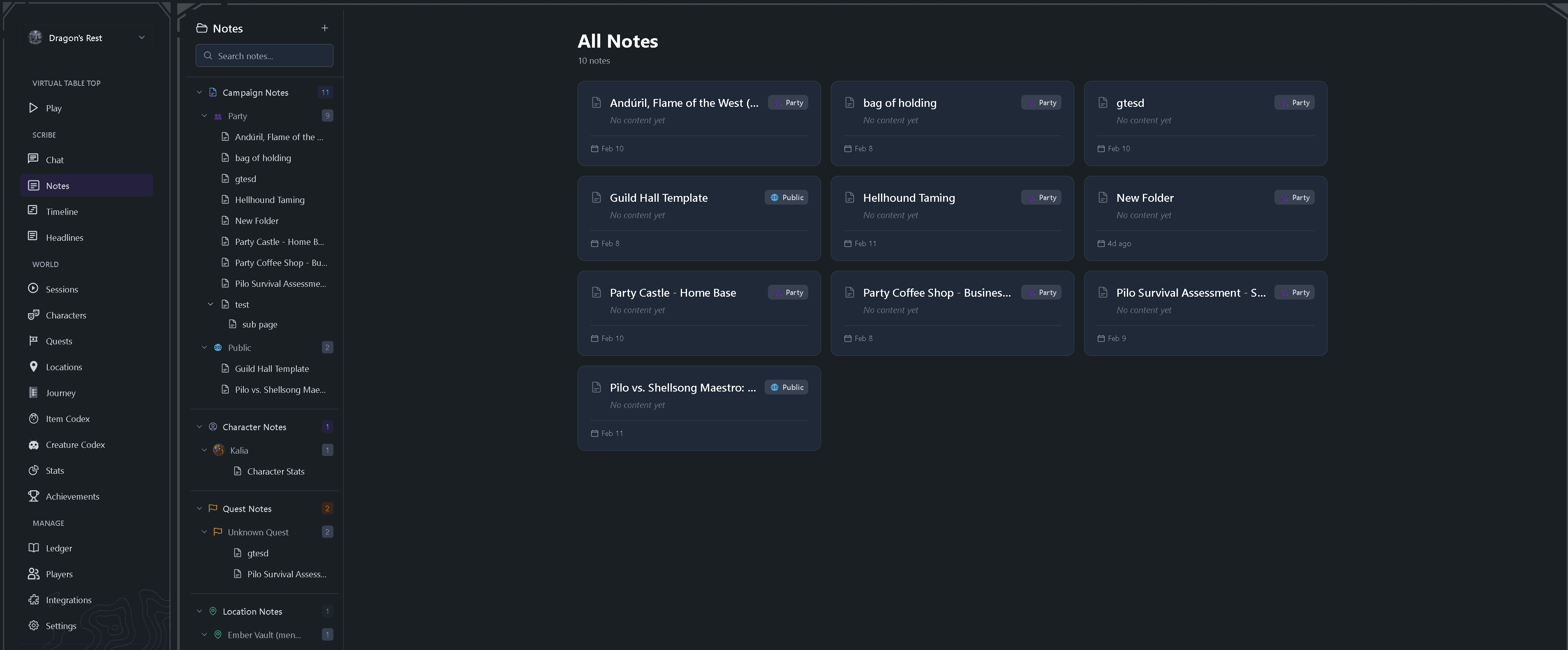
TL;DR Ask every player before recording a D&D session. Name the tool, explain who can hear the audio or read the recap, and offer to take written notes. Wait for everyone to answer before pressing record. What an AI session notetaker does
A player trying an unfamiliar accent might love hearing the party’s reaction in the room. They might feel differently about someone playing it back the next day. Another player might want a written account of the clues because they have to leave early. Both people can have a good game. Agreeing on the audience for a recording is what lets you meet both needs.
A good time to ask is at session zero, while everyone is talking about the kind of game they want. In an established campaign, bring it up before game night so people can answer privately. Session zero checklist
Two ways to ask for D&D session recording consent
At session zero
“I’d like to use Tavern Scribe for notes. It would get our audio and turn it into a transcript and recap I can use for prep. Can we agree who gets to see those, how long we want to keep the recording and who’ll take care of it afterward? I’m happy to stick with handwritten notes. You can message me after the game if that’s easier.”
Before trying it mid-campaign
“I lost track of two clues last week, so I’d like to try recording tonight for a recap. I’ll read it first and share it with this group if we all agree. Is everyone comfortable with that? We can leave the recorder off tonight and talk later.”
Give everyone a turn. A quiet player may be reading their sheet, helping somebody with the call or waiting for a chance to speak. If somebody declines or you’re still waiting for an answer, leave recording off. Thank them and play. One player can keep a short list of names and decisions while another writes down where the party stopped.
Agree on how to pause
A shared microphone picks up the people within range. Asking the software to leave someone out of the recap would still mean recording their voice. If someone wants to stay off the recording, take written notes for that session.
For a private conversation in the middle of play, choose a signal anyone can use. “Pause a second” is enough. Let the person controlling the recorder confirm it has stopped before the conversation begins. A returning player or late arrival also deserves a chance to decide. Pause, explain the arrangement and wait for their answer.
On Discord, the Tavern Scribe recorder has /record pause, /record resume, /record stop and /record status. Pause before the private discussion, check status, and resume only when everybody is ready. A pause covers what happens next. Audio captured before the pause can still be saved and uploaded. Tavern Scribe’s Discord recording guide
If there’s a second recorder in the call, check that one as well. Different bots have their own controls and indicators. For example, Craig identifies itself as recording in its Discord nickname and explains who receives its download link. Craig’s recording FAQ
A privacy checklist you can use with any recorder
- Controls. Show the group how to tell when capture starts and stops. Pick a person to operate the controls and a backup for the night that person leaves early.
- Access. Decide who may listen to audio, read a transcript and see a recap. Those can be three different audiences. Check what a share link allows before sending one.
- Retention. Check the provider’s published policy for each kind of material. Agree who will handle any cleanup the group wants and what they can actually remove.
- Copies. A downloaded file may be on someone’s laptop. Ask who has a copy before promising a player it has been removed everywhere.
- Processing. Name the service that receives the audio and let people read its policy. If an answer matters to someone, find it before recording.
For Tavern Scribe, start with the published privacy policy. If your group needs a precise retention period or wants to know what happens to a recap after an audio file is deleted, ask support about the particular material. Write down the answer where the table keeps its agreement. Privacy policy · Contact Tavern Scribe
Keep a short table agreement
A pinned note might read, “The DM can record game scenes for our group recap. Anyone can ask for a pause. We’ll talk again before sharing anything outside the group. Leila will check the files after the recap is ready.” Let everyone see it and suggest changes. A usable agreement fits the game you actually play.
Try the pause signal once before the opening scene. Someone can ask about a character secret, the DM can pause, and a second player can check the indicator. It takes a moment and answers a practical question for everyone who might need it later. If the recorder or audience changes, repeat the conversation. Someone who agreed to a private recap can make a fresh decision about a public clip.
If your table is ready to try it, you can set up the campaign before deciding whether to record the first game. Create a campaign
Drafted with AI by the Tavern Scribe team. Recorder commands and policy links checked November 24, 2026.
FAQ
What if one player declines and everyone else agrees?
Leave the group recorder off and take written notes. Ask a volunteer to capture the decisions the group wants for next week. The player who declined can get on with playing.
Do we need to ask again for a guest player?
Yes. Tell the guest what the group normally records, who can see it and how to ask for a pause. Give them a real chance to decline before they join a recorded scene.
Can we share a funny clip from our private session?
Ask everyone whose voice or personal information appears in the clip about that specific clip and audience. Withhold the clip if anyone declines or has yet to answer. An agreement to make private notes covered a different use.
Tags: Session Recording, Session Notes, Dungeon Master Tips, Ttrpg
